
How to Search Cases by Name
Start a Red Lake County name search at Minnesota Court Records Online, called MCRO. The Name tab splits person and business searches into separate paths. For a person, you need a last name and a first name. The middle name is optional. When you have a court notice, copy the spelling from it first. A matching result is only a lead to a court record, not proof that two people who share a name are the same person.
- Open MCRO Case Search and choose the Name tab.
- Select Person, enter the last and first name, and add a middle name only when it is known.
- Set Court Locations to County, select Red Lake, then use category, status, or filing-date fields only to narrow the result set.
- Review the title, case number, type, and venue before opening the matching Register of Actions.
| Field label | Type | Required | Red Lake County use |
|---|---|---|---|
| Last Name | Text | Yes for a person | Begin with the exact spelling from a notice or case record. |
| First Name | Text | Yes for a person | Use with the last name; middle name is optional. |
| Court Locations | County selector | No | Choose County, search Red Lake, and select it. |
| Case Category / Status | Selection list | No | Use after the first search to narrow Civil, Criminal, Family, Probate or Mental Health, and status results. |
| Date Filed | Date or range | No | Use as a filing-period filter, not as a substitute for a case number. |
Note: Wildcard searching needs at least two characters, and MCRO does not allow wildcard and Sounds Like together.
Red Lake County Case Name Matches
MCRO handles people and businesses differently, so pick the right path before you type. A person search wants the last name and first name. A business goes in the business field. That sounds obvious. Yet forcing a company name into person fields is a common slip that buries the Red Lake County case you want. Wildcard and Sounds Like options help when spelling is uncertain. Though both flood you with extra hits. Before trusting any result, check the case title, venue, number, and date shown on screen. Those fields are your proof that the match belongs in Red Lake County.
Date of birth and date filed can narrow things further. Use them with care. Copying protected information out of a court record is a habit to avoid. Do not carry it into a wider search. When you have exact spelling, a Red Lake County filter, and the full court file number, that trio still beats everything else.
MCRO Case Search for Red Lake County
There is no separate Red Lake County clerk portal for MCRO. One statewide interface does it all. It searches party names, business names, court file numbers, citations, attorney names, and Minnesota attorney license numbers. Set the county filter first. Without it, a hit might come from anywhere in Minnesota. The status options, All, Active, and Inactive, matter too. All is the safer starting choice. Since an older Red Lake County case can still matter to you.
Exact spelling usually works best for common names. The official name-search tips cover Sounds Like and wildcard tools. But each one widens the net. Add a date filed or a case category afterward to trim the list. A shared name alone never proves you found the right person.
How to Search by Case Number
For a Red Lake County lookup, nothing beats the complete court file number. Local calendar lines show examples such as 63-CR-26-3 and 63-CV-26-76. Read the number in pieces. The first two digits mark Red Lake County. The letters name the case category the record shows. The next digits give the year segment. The final digits separate that case from the rest. Enter the whole thing. MCRO takes permitted dashes and leading zeros but rejects spaces.
Never search on 63 alone. Per the MCRO case-search instructions, case-number and citation searches need complete identifiers. Pull the full number from a notice, a calendar line, a citation, or any prior court paper. One caution on those category letters. They describe a record type, not every fact or outcome in the case.
Complete Red Lake County Case Identifiers
A complete case number does work that a name cannot. In MCRO, searching by number can surface a pending criminal, traffic, or petty-misdemeanor matter. A defendant-name search may miss it before any conviction. Citation search works the same way. It needs the full citation, not a guess built from a vehicle. So hold onto your original ticket or notice. The number on it is what you check against the Red Lake County court record.
- Register of Actions
- MCRO’s chronological record of activities and filings in a court case.
- County code 63
- The prefix observed in official Red Lake calendar case numbers.
- CR
- Criminal case-type letters observed in Red Lake County calendar examples.
- VB
- Letters used by Court Payment Center guidance for a potentially payable, nonmandatory citation case.
What a Case Search Shows
Open a public MCRO result and you land on Case Details. That page is also called the Register of Actions. How much appears there varies. It depends on the case type, the record itself, and the access rules in force. Read the title, case number, status, and event dates as one picture rather than stray facts. An event or hearing entry simply records court activity. It does not establish an outcome by itself.
| Case number and title | The file identifier and case caption used to distinguish the record. |
|---|---|
| Type, filing date, and venue | Case category, filed date, and court location when public. |
| Status and parties | Displayed case status and permitted party or attorney information. |
| Case events and hearings | Reverse-chronological activity, scheduled hearings, and related setting information. |
| Documents and financials | Public document-index links, permitted dispositions, bond or bail activity, financial information, and judgments where available. |
Red Lake County Case Detail Limits
Detail on screen is not a promise that everything is visible. For major and minor criminal cases, civil cases, and listed probate, guardianship, conservatorship, and trust matters, MCRO makes public documents filed on or after July 1, 2015 broadly available. The current access matrix still governs what you see. Family documents get a narrower remote view. An index entry or case event can show up. Its document may not open from home. Treat the detail view as a map. Use it to identify the document, event, hearing, or disposition at issue, then turn to Document Search with the complete case number or ask court administration for a public copy. The certified official record stays with the court, never with the remote search screen.
Red Lake County Case Search Tools
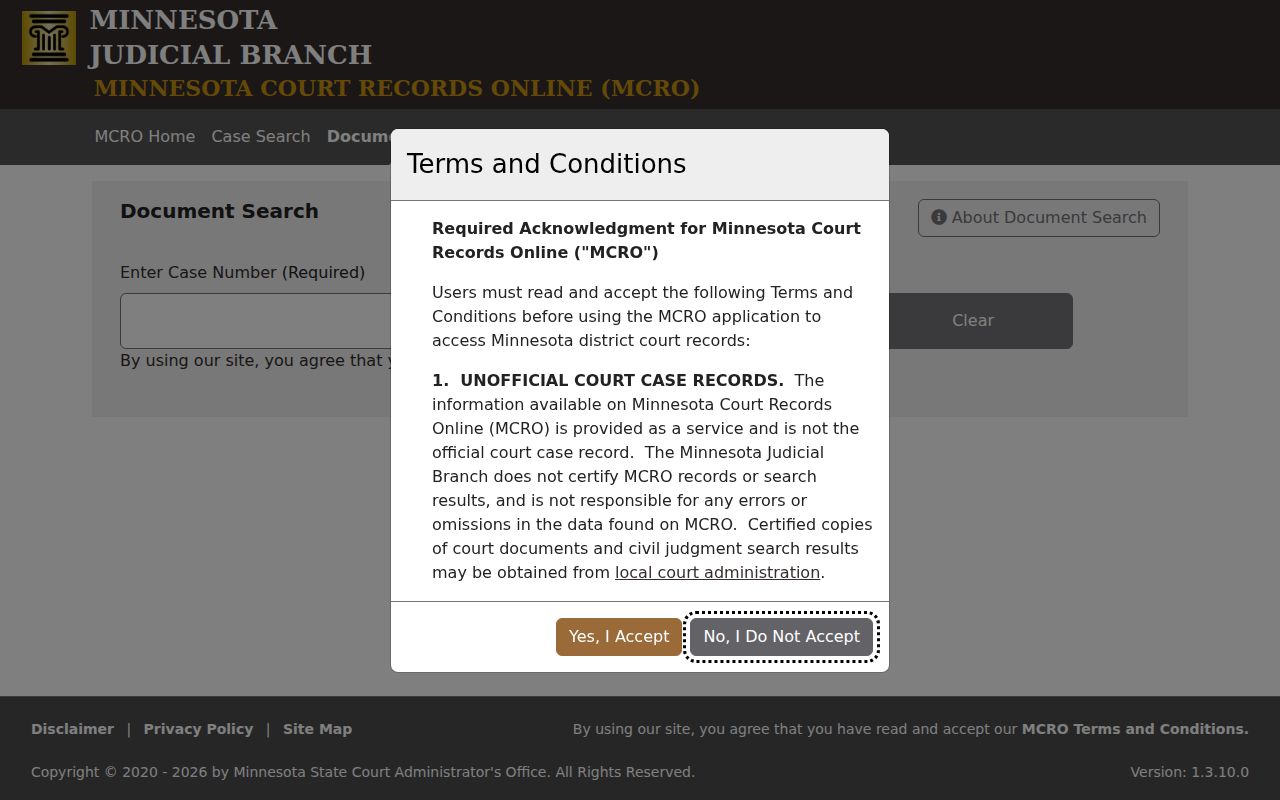
Case Search is not the whole MCRO toolbox. If you already have a Red Lake County case number, MCRO Document Search takes that number and pulls up whatever public documents can be viewed remotely. It works differently than a keyword search. You cannot type a phrase and sweep every filing in the system. Results come back newest first. One more quirk matters: an entry with no View Document control can still point to a real courthouse file that simply is not available from home.
For a clear look at the full-number route into a Red Lake County court record, the official Document Search screen lays out exactly what to enter.
A printout or screen shot works for quick checks. When you need an official copy of a Red Lake County court record, order a certified one from court administration instead.
County vs Statewide Case Search
MCRO offers one system, two settings. The county setting narrows the statewide tool. It focuses on Red Lake County district-court records. Pick the statewide view when you are not sure which county holds the docket. Either way, the same public-access limits apply. And neither view replaces the local file or a certified court copy.
| MCRO with Red Lake County selected | MCRO statewide |
|---|---|
| Limits results to Red Lake County district-court records. | Searches participating Minnesota court locations without a county limit. |
| Best when a local hearing notice, citation, or court file is known. | Best when the court location is not known. |
| Uses the same case, name, citation, attorney, and filter tools. | Uses the same public fields, with a broader result set. |
| Local court administration remains the fallback for a paper file or certified record. | Does not turn a remote result into a certified court record. |
Red Lake County Case Search Filters
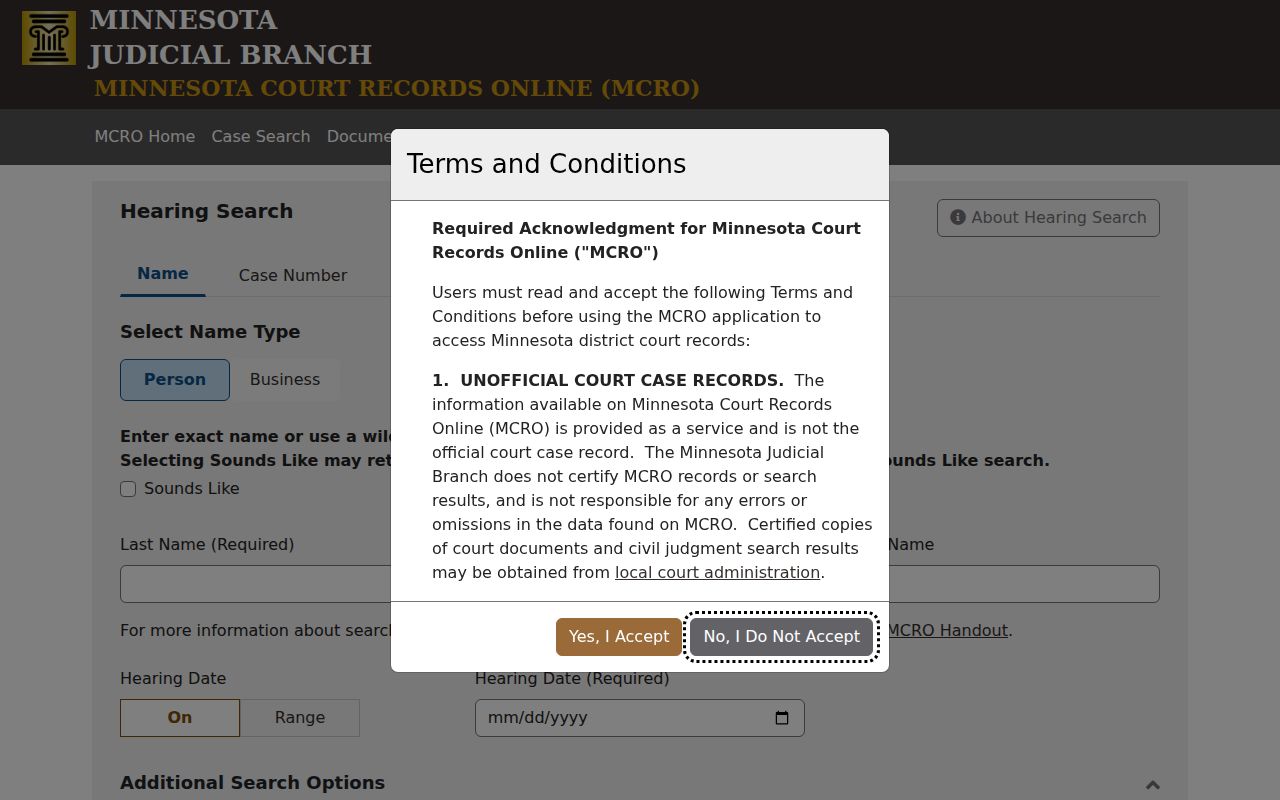
MCRO Hearing Search and Judgment Search each narrow a Red Lake County court record. They just do it in two different ways. Hearing Search filters by name, full case number, judicial officer, attorney, hearing date, and category. It also adds a County location filter. That page shows the statewide filter view behind a Red Lake County hearing search. One caution: it can return less than the full register of Actions. If a hearing matters, check the result. Compare it against the case detail or the current local calendar.
Judgment Search works differently. It surfaces judgment details, satisfactions, monetary awards, and a path back to the Register of Actions. Think of it as a tool for a case you already know about, not a shortcut around the full case detail.
Restricted Cases and Access Rules
Court rules control public access to Red Lake County court records. Ordinary county data-practices rules do not. Minnesota Statutes section 13.90 puts judiciary access under Supreme Court rules. From there, Rule 4 sets the public-access baseline. It also lists restricted categories. Rule 8 governs inspection, copying, bulk access, and remote access.
Access limit: Juvenile, CHIPS, domestic-abuse, harassment, public-civil-commitment, medical, and court-restricted material can be absent or limited remotely. Protected addresses and identifiers are omitted from remote views, and court administration can explain the available route for a particular file.
General Rule of Practice 11 makes filers redact restricted identifiers before anything hits the docket. So a missing result tells you little on its own. Do not assume the case is sealed, expunged, dismissed, or nonexistent. Check an official record. Expungement under section 609A.01 is a court-ordered access remedy. It is not a reason to guess.
Missing Red Lake County Case Results
A Red Lake County case search that returns nothing is not the end. First, retry the complete case or citation number. Then check your spelling, use Sounds Like with care, and try county or date filters. One quirk matters here: a pending criminal, traffic, or petty-misdemeanor case without a conviction may not show up by defendant name. A complete-number search can still find it. Older paper files and records with remote limits may need a different access path entirely. The official MCRO Judgment Search view shows one more record-search tool inside the statewide system.
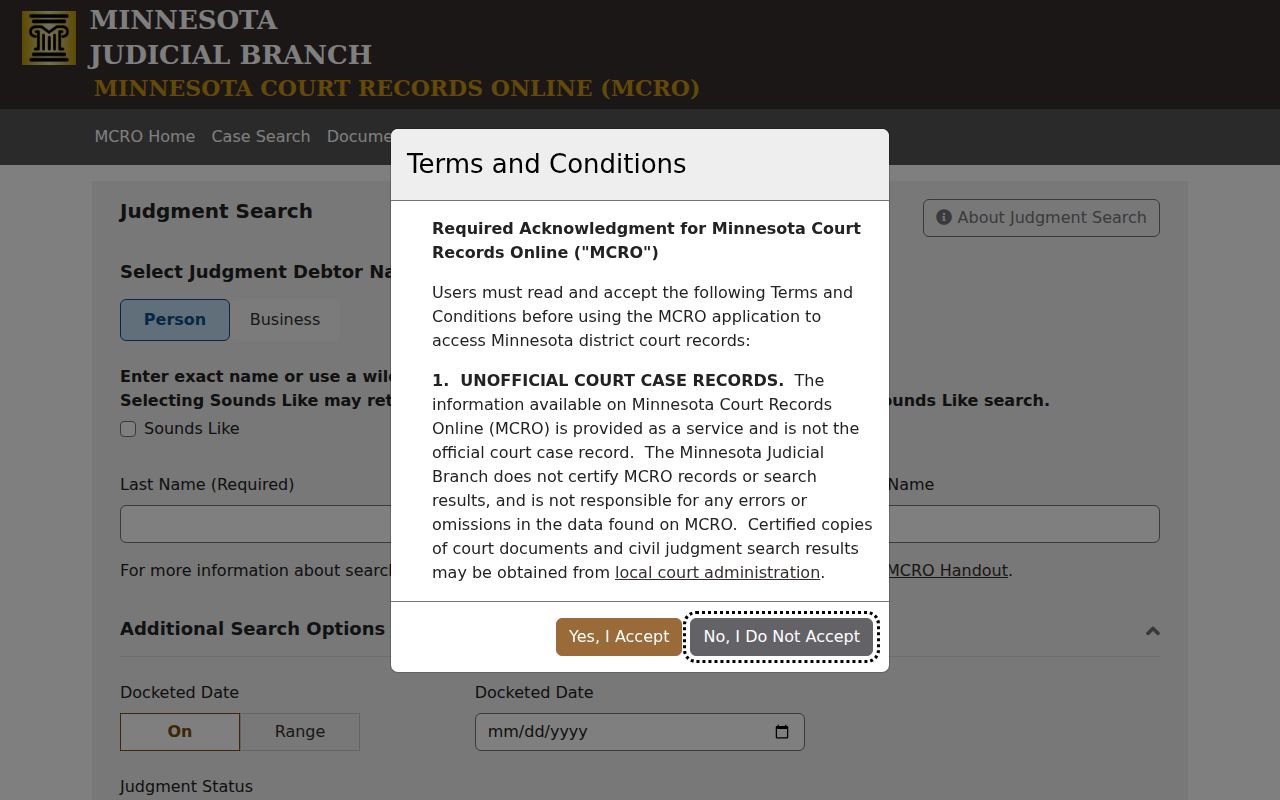
Read a judgment result alongside the case detail and any related court event or document. It will not answer every question about a Red Lake County case's history.
Red Lake County Case Access Paths
MCRO is the remote layer only. For the rest, go local. The Red Lake County Courthouse has public-access terminals for statewide electronic records, and court administration can pull locally stored paper files, answer a hearing question, or issue certified copies. The official Red Lake County District Court page covers current operations. For a public scheduled hearing, the Red Lake public calendar is the separate local source.
Red Lake County District Court
124 Main Avenue NW
P.O. Box 339
Red Lake Falls, MN 56750
(218) 521-4050
Monday-Friday, 8:00 a.m.-4:30 p.m.
Call before you drive over. Confirm hours, access to an older file, or the public status of a record you want. The Red Lake County government directory lists county departments, but the court file itself sits with court administration, not the County Attorney, Sheriff, or Recorder.